Social Media Design for Small Business: No Designer Needed
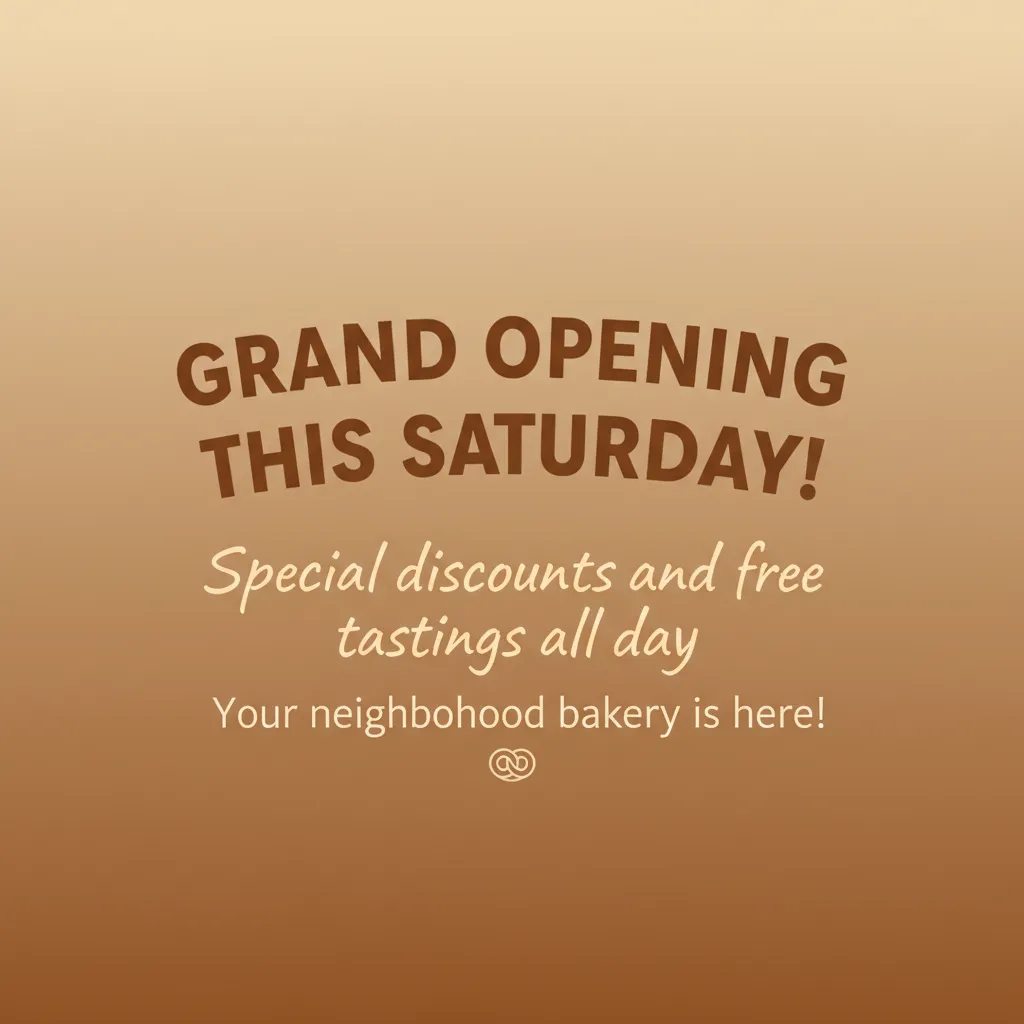
If you run a small business, you already know the pressure to maintain an active social media presence. Your customers expect to find you on Instagram, Facebook, and LinkedIn, and they judge your professionalism partly by how your content looks. The problem? Most small business owners aren't designers, and hiring one for every social media post simply isn't in the budget.
The good news is that 2026 is the best time in history to be a non-designer creating visual content. Between AI tools, template platforms, and smart design systems, you can produce professional-looking social media posts without any formal design training. But there's a right way and a wrong way to approach it, and the difference is enormous.
The biggest mistake small businesses make with social media design is inconsistency. One week you use a blue and white color scheme, the next week it's earth tones, and the week after that you try a trendy gradient. Your audience never develops visual recognition of your brand. Consistency beats perfection every time — a slightly imperfect post that matches your brand is more valuable than a stunning one-off that looks nothing like the rest of your feed.
Start by defining a simple visual identity. You don't need a 50-page brand guide. Pick 2-3 colors that represent your business (your logo colors are a good starting point), choose one or two fonts, and decide on a general mood — is your brand warm and friendly, clean and professional, bold and energetic? Write these choices down somewhere you can reference them. This five-minute exercise will save you hours of decision-making later.
Next, choose a workflow that enforces consistency automatically. This is where modern tools really shine. With AI-powered platforms like Phio Lab, you can create a custom visual style based on your brand choices and have every generated post automatically follow those rules. You describe what you want to post — "new menu item announcement for our cafe" or "weekend sale on handmade candles" — and the AI creates a professional image in your brand's style in seconds.
Content planning is just as important as design. The most effective small business social media accounts follow a loose content calendar: Monday might be a product feature, Wednesday a tip related to your industry, Friday a behind-the-scenes moment. Having a structure means you never stare at a blank screen wondering what to post. And when you know in advance what type of content you need, you can batch-create visuals quickly.
Don't underestimate the power of showing your face and your work. Posts featuring real people, real products, and real moments from your business outperform generic stock imagery every time. If you're using AI generation, describe your actual products and situations rather than abstract concepts. The more specific and authentic your content, the more it resonates.
Finally, remember that done is better than perfect. Many small business owners fall into the trap of spending so long perfecting each post that they barely post at all. An active, consistent presence with good-enough visuals will always outperform an inactive account with occasional masterpieces. Set a realistic posting schedule — even three times a week is enough — and stick to it. Use tools that make creation fast so you spend your time running your business, not wrestling with design software.
The democratization of design tools means your small business can look as polished as a company with a full creative team. The key is choosing a system that works for your skill level and schedule, defining your brand basics upfront, and then being consistent. Your customers won't notice whether you used an expensive agency or an AI tool — they'll notice whether your brand looks professional and trustworthy.