AI Image Generation vs Canva: Which Is Better for Social Media?
Canva has been the go-to tool for social media design for nearly a decade, and for good reason. It democratized graphic design by giving anyone access to thousands of professional templates, drag-and-drop editing, and a massive library of stock assets. If you needed a social media post in 2018, Canva was the answer. But the landscape has shifted dramatically with the rise of AI image generation, and it's worth asking: which approach actually works better for social media content in 2026?
Let's start with what Canva does well. It's a mature, full-featured design tool. You get granular control over every element — move things pixel by pixel, choose from hundreds of fonts, upload your own assets, and build exactly what you envision. For complex designs like event flyers, presentations, or multi-page documents, Canva remains incredibly capable. The template library is vast, and the learning curve is manageable for most people.
The limitation shows up when you need to produce social media content at volume while maintaining brand consistency. Here's the workflow in Canva: browse templates, find one that sort of fits, change the colors to match your brand, swap the text, replace the stock photo, adjust the layout because the new text doesn't fit the same way, tweak the font size, re-align elements... and 20-30 minutes later you have one post. Do that five times a week and you're spending 2-3 hours on social media design alone.
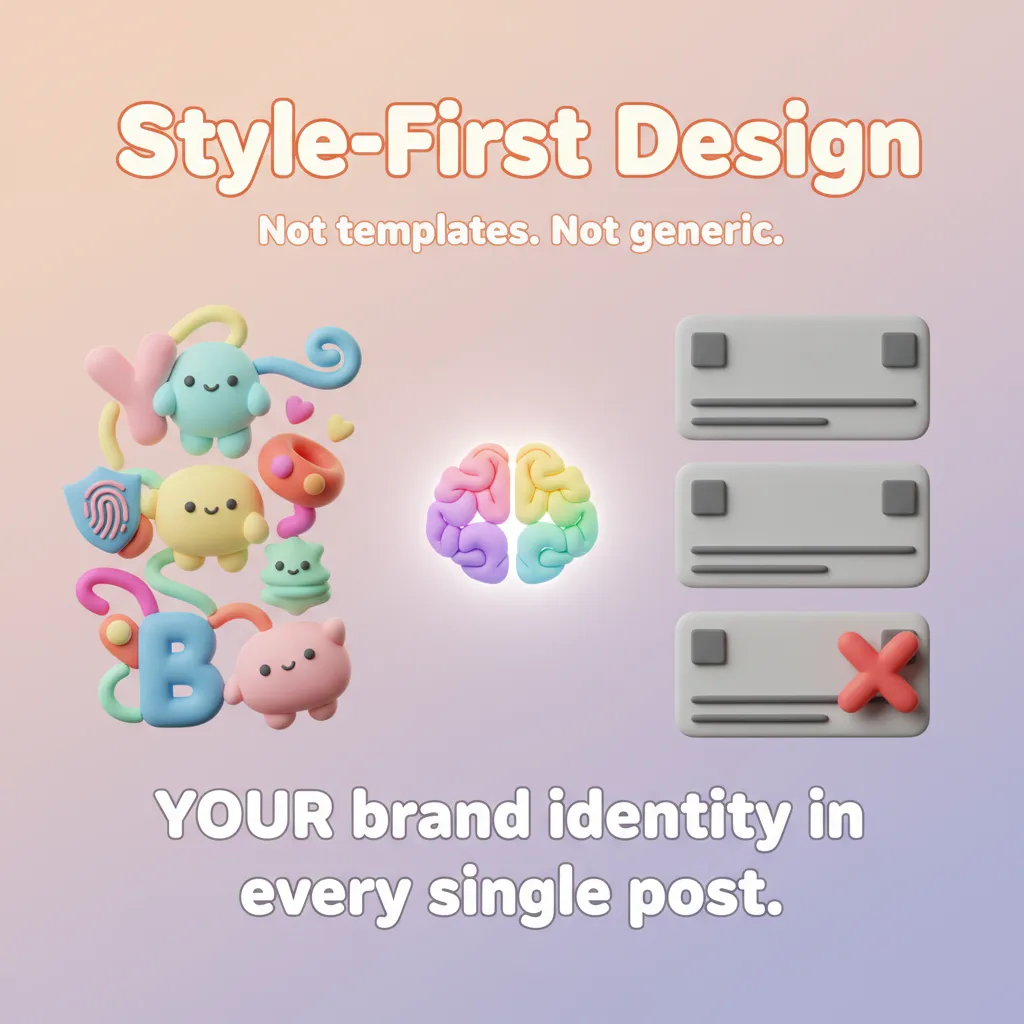
AI-native tools take a fundamentally different approach. Instead of starting with a template and modifying it, you start with a description and a style. You tell the AI what the post should be about, select your brand's visual style, and the tool generates a complete, original image in seconds. There's no template to modify — every post is unique, but they all follow the same visual rules because your custom style is applied automatically.
The speed difference is significant. What takes 20-30 minutes in a template editor happens in under 30 seconds with AI generation. For businesses posting daily or managing multiple social accounts, that time savings adds up to hours per week. And because the style is applied systematically, you don't get the gradual visual drift that happens when manually recreating a look from templates.
There are trade-offs, though. AI generation gives you less precise control over individual elements. If you need a very specific layout with exact positioning of every element, a template editor gives you that pixel-level control. AI-generated images can sometimes need adjustments — a text placement that's not quite right, or a color that needs tweaking. Tools like Phio Lab address this with AI editings and AI-based editing, but it's a different workflow than the drag-and-drop approach.
Another consideration is the type of content you create. If most of your social media involves photos with text overlays — product shots, team photos, event pictures — a template editor might be the better fit because you're working with existing images. AI generation shines when you need illustrated or stylized content: branded graphics, conceptual visuals, carousel slides, or any post where the entire image is designed from scratch.
The honest answer is that neither tool is universally "better." Canva is stronger for general-purpose design tasks, precise layout control, and photo-based content. AI generators are faster, more consistent, and better for producing original branded graphics at scale. Many creators are finding that the best workflow uses both: AI generation for the bulk of daily social media content, and Canva for the occasional complex design that needs precise manual control.
What's clear is that the template-first era is giving way to a style-first approach. Instead of starting with someone else's design and modifying it, more creators are defining their own visual identity and letting AI express it in infinite variations. It's a shift from editing to directing — and for social media specifically, it's proving to be the more efficient path.